One shoot, several products
AI product ad variations from one video
Keep one clip of a scene and generate a separate edit for each product, flavour or colour you want to show in it. Each variant is its own generation with its own price, shown before you pay.
- One clip, several edits
- Each edit priced separately
- Not for real people
MP4 or MOV, 3 to 15 seconds, up to 100 MB, shorter side at least 320 px, longer side at most 2160 px.
You confirm this before every generation. The site does not scan the video, so what you upload is your responsibility.
Checking that generation is available.
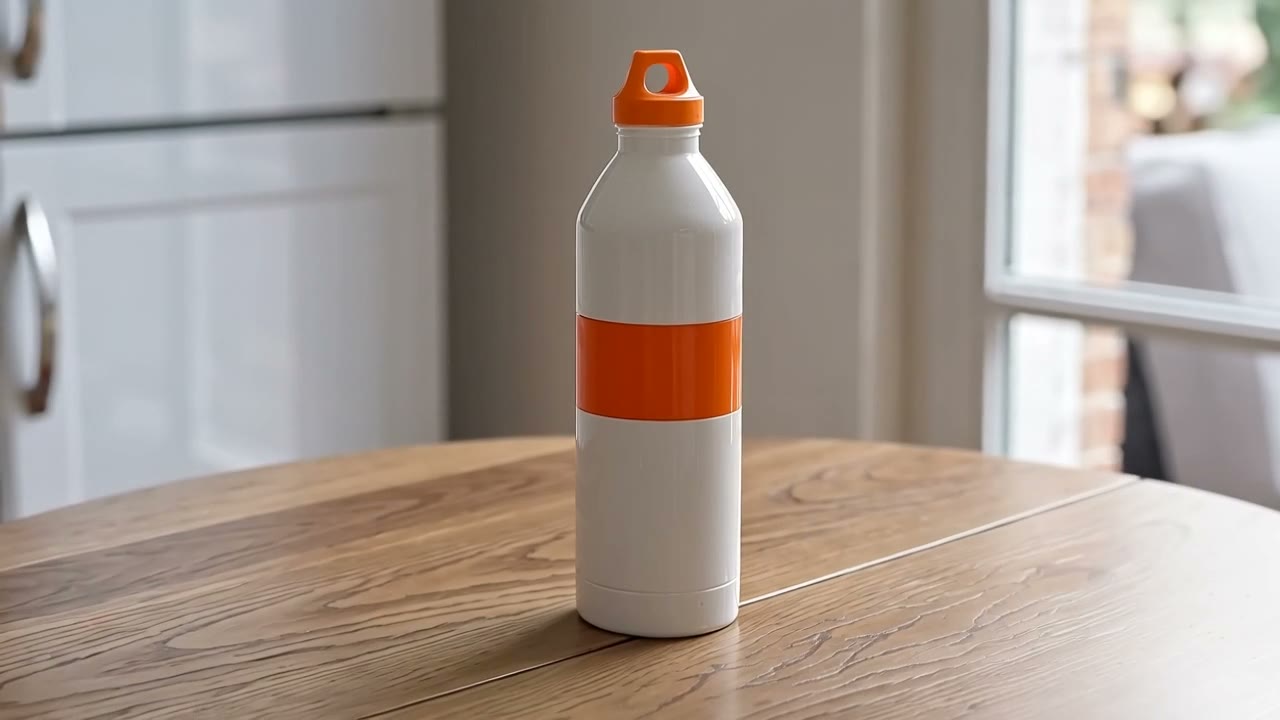
Green bottle swapped for a white one: Happy Horse Video Edit5s · 16:9 · 720p2026-10-11
01
How do you make ad variations from one video?
Upload the clip once, add the images of the first product, write the swap and generate. Then change the images or the instruction and generate again. The clip stays selected for up to about two hours in the tab you uploaded it from, and the page asks you to upload it again when it expires. Every variant is a separate edit with its own charge. Results vary, and we have recorded only one swap, not a set of variants.
- Clip
- Uploaded once, reused for up to about two hours in the same browser tab
- Each variant
- A separate generation and charge
- Price of one
- 560 credits for 8 s at 720p
02
How to make several variants here
Upload the clip once
A 3 to 15 second MP4 or MOV of the scene, with the object you want to swap in it.
Generate the first variant
Add the product images, write the swap, tick the box and generate. The price is shown first.
Make another
Use "Make another" on the result. Your clip, images and instruction stay in place while the upload is still valid (up to about two hours after you uploaded it, in the same browser tab), so you can change only what differs and generate again. After that the page asks you to upload the clip again.
Compare and download
Play each result next to your original, then download the ones you want.
03
How this site works
What you can count on here, and what you should not expect.
The price before you pay it
The site measures your clip from the uploaded file, rounds the length up to a whole second and multiplies by the model’s rate. That is the figure on screen, and it is the figure charged. A length typed into a form is never used.
Failed jobs are refunded automatically
If a generation fails, the credits come back on their own. A finished clip that plays but that you do not like is still charged.
A rule about your video, not a detector
You confirm before every generation that you own the video or have the right to edit it, and that it does not show identifiable real people. This is a rule you agree to; the site does not look at your video to check it, so what you upload is your responsibility.
What is not offered here
Clips longer than 15 seconds (10 with Kling O1) or shorter than 3, trimming or splitting a clip for you, and videos that show identifiable real people.
Compare with your original
When a result arrives you can play it next to your original in the same page. The comparison uses the file in your browser tab, so it is there only until you reload or close the page. A reload keeps the clip selected for generating, but not the file used for the comparison.
No results promised
The two edits on the home page come from one clip and one product image. Other footage can come out differently, and nothing here promises how an edit will look or how well the rest of the scene is kept.
04
What each variant costs
You are charged per second of your clip, rounded up to a whole second: 70 credits per second at 720p and 140 at 1080p with Happy Horse Video Edit, 42 with Kling O1 Video Edit. The shortest clip is 3 seconds, so the smallest edit costs 126 credits. Packs and plans are on the pricing page.
| Model | Length | Resolution | Credits | With the smallest pack |
|---|---|---|---|---|
| Happy Horse Video Edit | per second | 720p | 70 | $0.70 |
| Happy Horse Video Edit | per second | 1080p | 140 | $1.40 |
| Kling O1 Video Edit | per second | — | 42 | $0.42 |
05
Ad variation questions
Do I pay again for every variant?
Yes. Each generation is charged separately, at the length of the clip rounded up to a whole second.
Will every variant match the original scene?
We do not know. The two recorded edits are one clip with one product image, so we make no claim about consistency between variants.
How long does my uploaded clip stay available?
For about two hours after the upload is checked, in the browser tab you uploaded it from; a reload keeps it. When it has expired the page says so and you upload the file again. Closing the tab or signing out drops it sooner.
Can I use footage of people?
No. You confirm before each generation that the video does not show identifiable real people and that you may edit it.
Make a variant
Upload your clip, add the product images and generate the first variant. Failed generations are refunded.